DOCUMENT LIST
- 1. INTRODUCTION
- 2. SEARCH FILTER
- 3. RESULT LIST
INTRODUCTION
Document List is where user can have a total access to every transactions of the company which include Invoices, Payment, Credit Note and Debit Note. This part will make it easier for user to search for the required documents in an instant. This screen is made user-friendly so user can easily capture all the important information by looking at the screen.
2. SEARCH FILTER
• Date
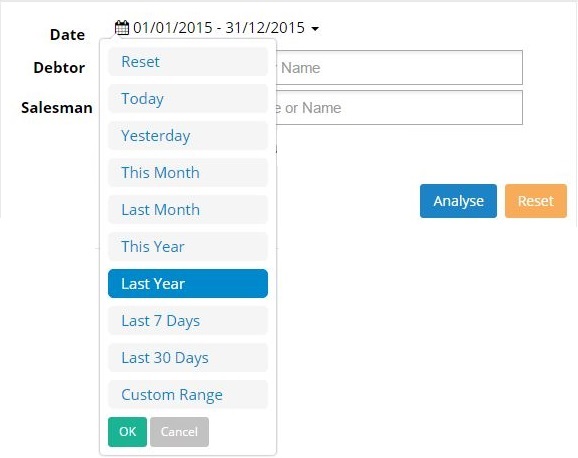
User may filter the sales record by selecting the required date as follow.
• Debtor
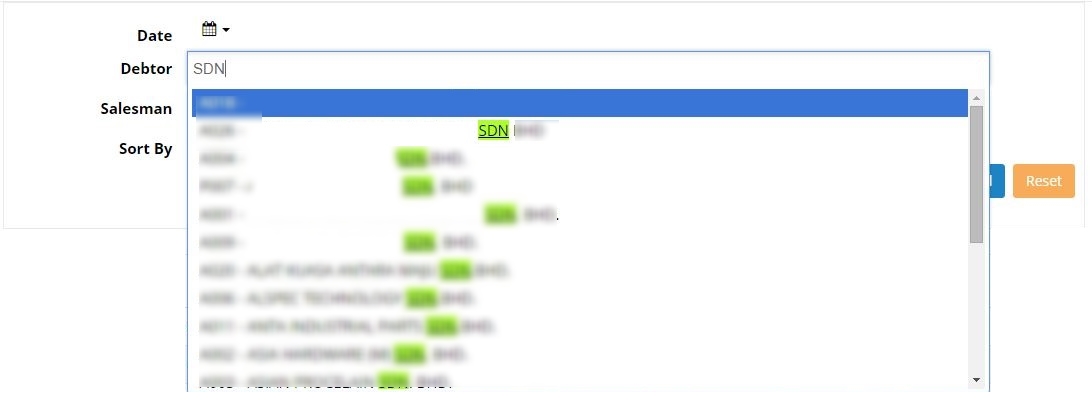
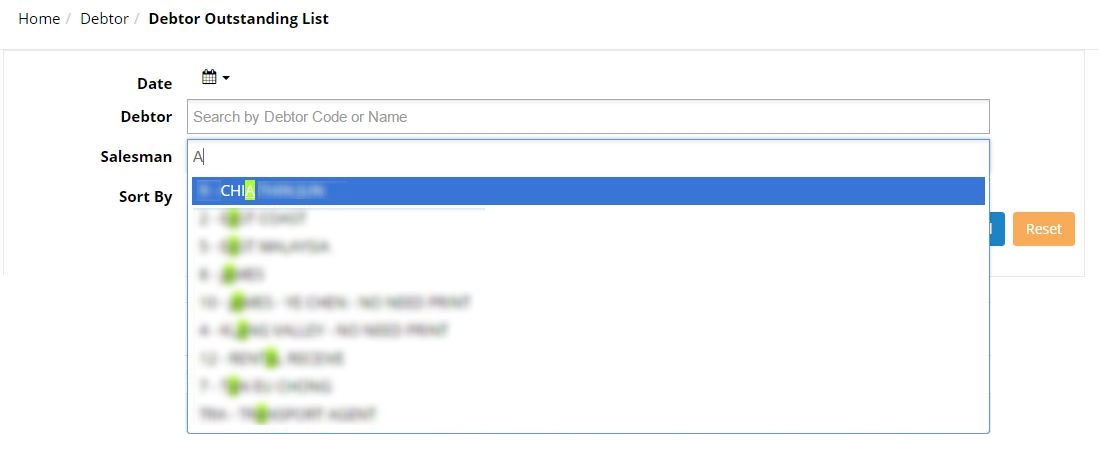
User may key in 3 characters to search for specific debtor/company. User can view the sales record for the selected debtor. Click analyse to view the sales record in the form of pie chart.
• Salesman
Displays the sales record according to the selected salesman. User may key in 3 characters to search for specific salesman. Click analyse to view the sales record in the form of pie chart.
 • Document Type
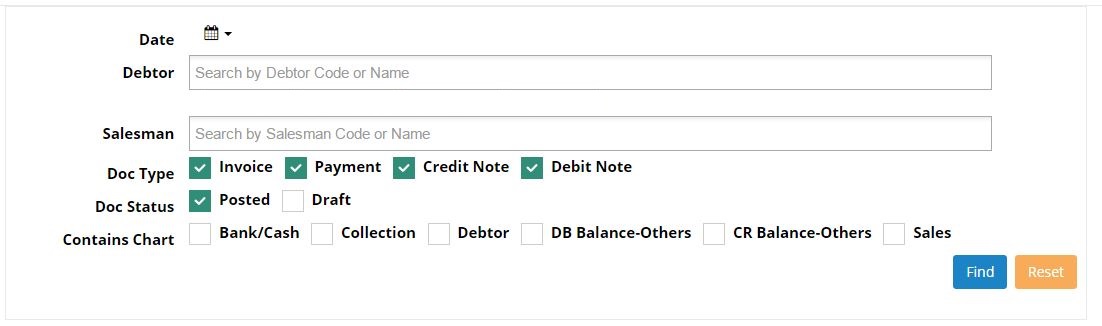
User may tick on any of the Doc Type, Doc Status and Contains Chart. The document type could be Invoice, Payment, Credit Note or Debit Note. User are allowed to tick all of the document type to view all documents, or user may tick any of the document type to view certain type of document. If user tick on Invoice, then the result will only list the Invoice document type.
• Doc Status
The status of the document to be displayed can be choose either as posted or draft document or both.
• Contains Chart
User may select any required chart such as Bank/Cash, Collection, Debtor, DB Balance-Others and Sales. The selected chart will be displayed in the result.
3. RESULT LIST
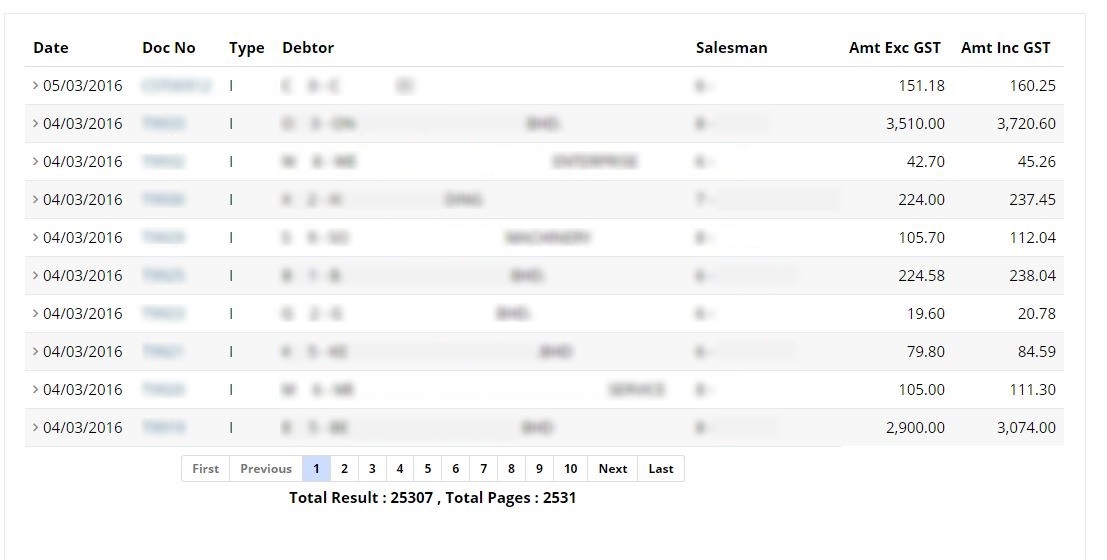
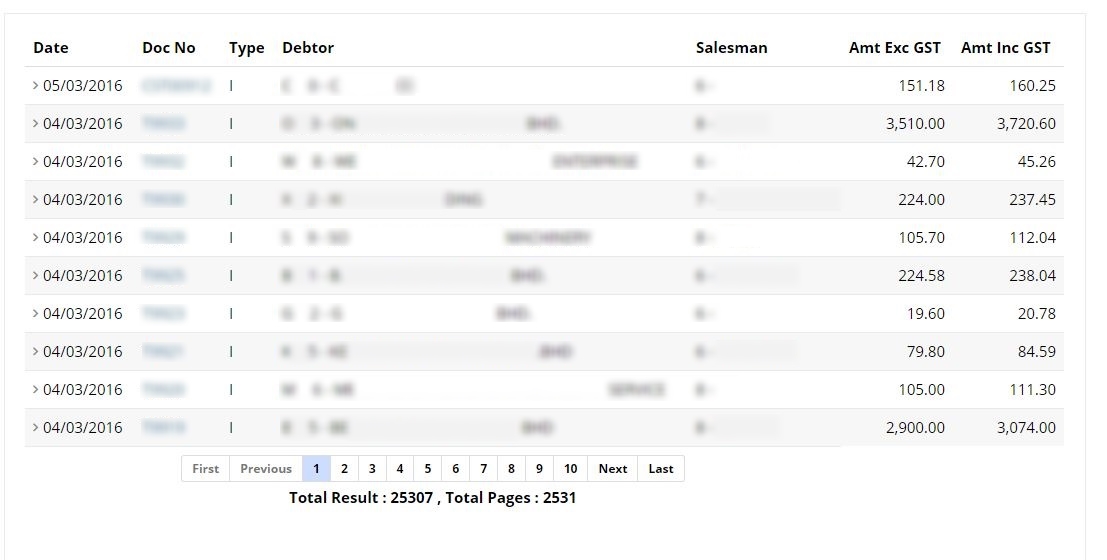
After filtering your documents to view, you can click on ‘Find’ and the screen will display the result of your requested documents.
The result will show your documents with the exact date, document number, type, debtor name, salesman, amount excluding GST and amount including GST.
User can click on the document Number to view the document in details. Clicking on any of the document number will lead to the document details screen.
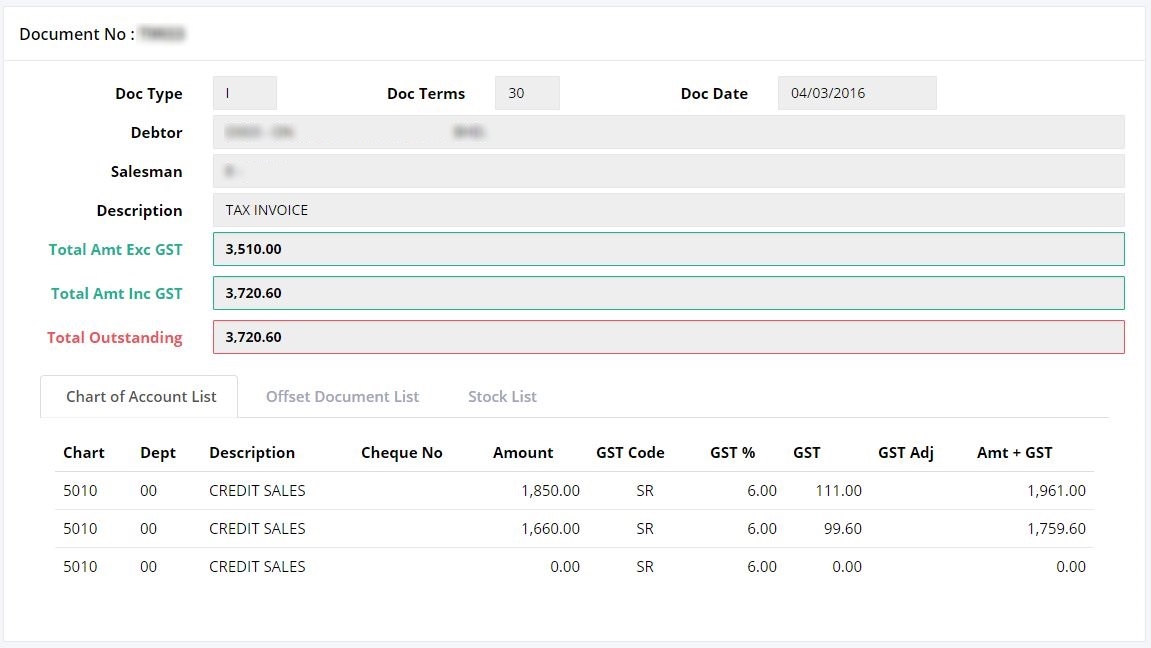
Document details will show more information on the selected documents such as the document type, document terms, document date, the debtor name, salesman, description, total amount including & excluding GST, total outstanding amount.
Lower part shows the information on chart of Account List, Offset Document List, and Stock list.
• Chart of Account
List the information of the transactions in details, such as the type of sales, the correct amount, the GST code, GST amount, GST adjustment and the total including GST.
• Offset Document List
Contain information on the debt that has been offset/paid by the debtors. It will show the offset document number with date and outstanding amount.
• Stock List
Show the list of stocks that purchased by debtors with the stocks information such as the Stock Code, Price, Quantity of purchased, UOM, Chart, Dept, Chart Description, Discount/Charges, Amount, GST Code, GST %, GST Amount, GST Adj, Amount + GST.