STOCK TOP SELLING DEBTOR
- 1. INTRODUCTION
- 2. SEARCH FILTER
- 3. STOCK LIST
INTRODUCTION
Stock Top Selling Debtor is where user can view all time most top-selling item, the result will show the list of top selling items with the debtor name, the stock code and quantity sold. User can view the details of the transaction documents when user clicks on certain figure.
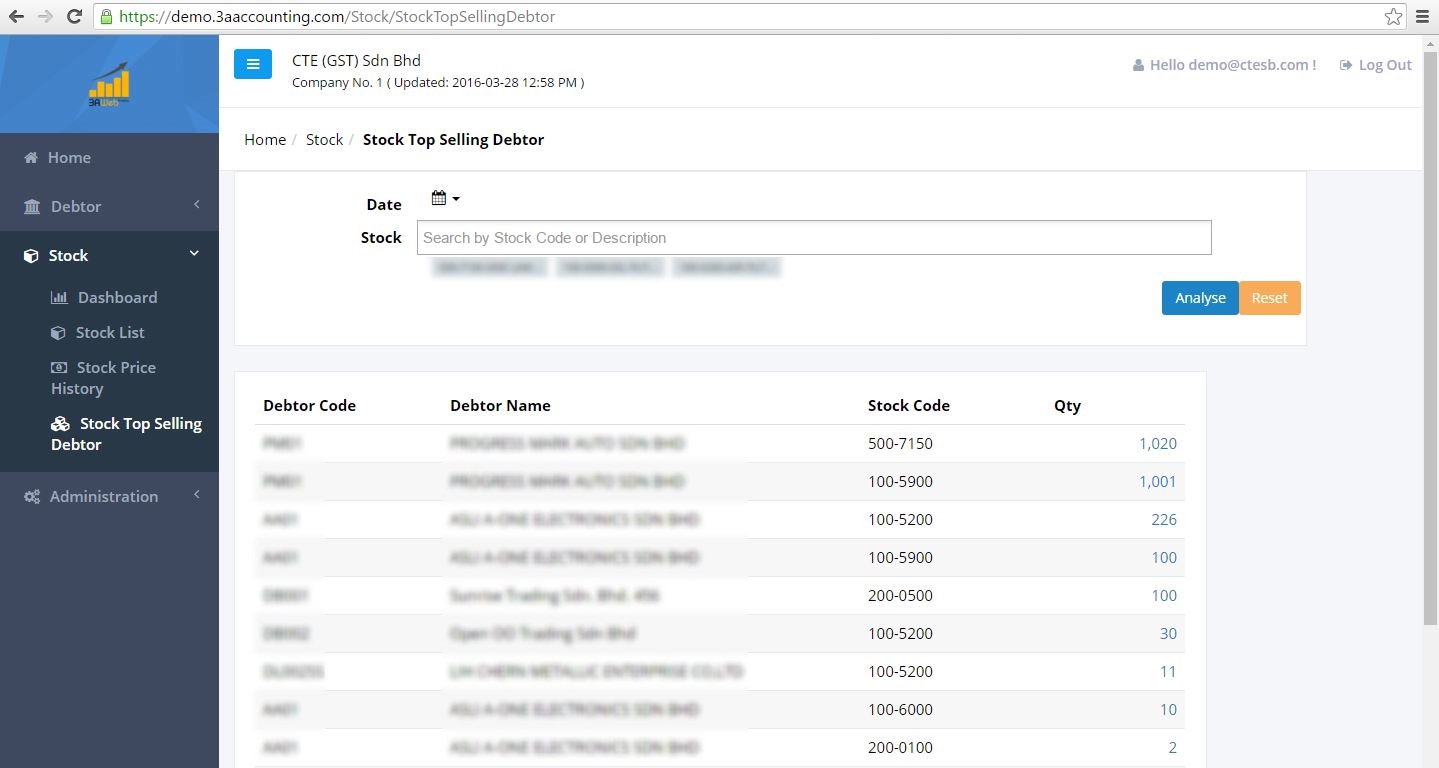
2. SEARCH FILTER
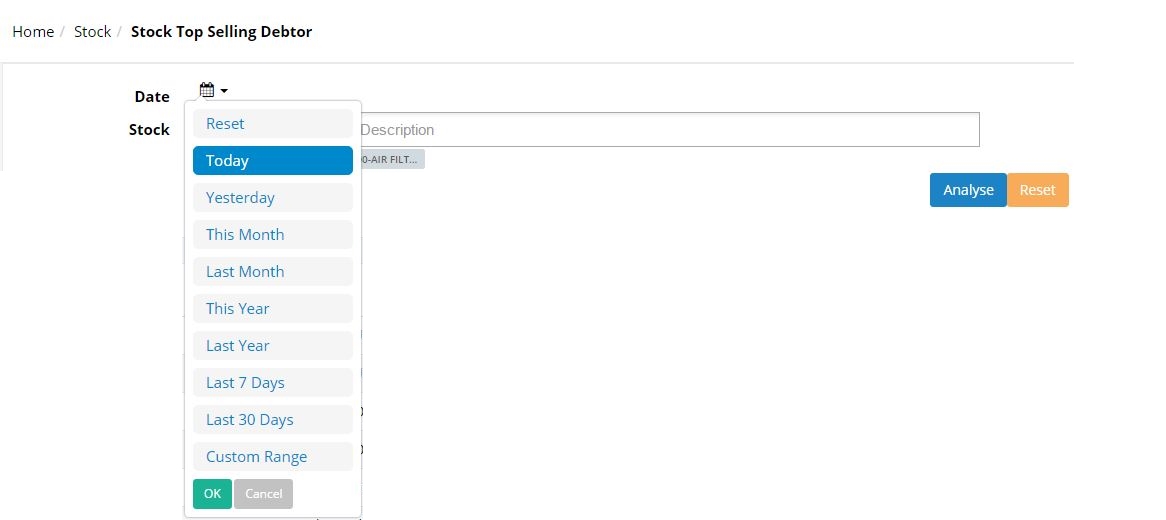
• Date
User may filter the sales record by selecting the required date as follow. User can click on analyse button to view the result:
• Stock
Displays the stock lists according to the selected stock. User may key in 3 characters to search for specific stock.
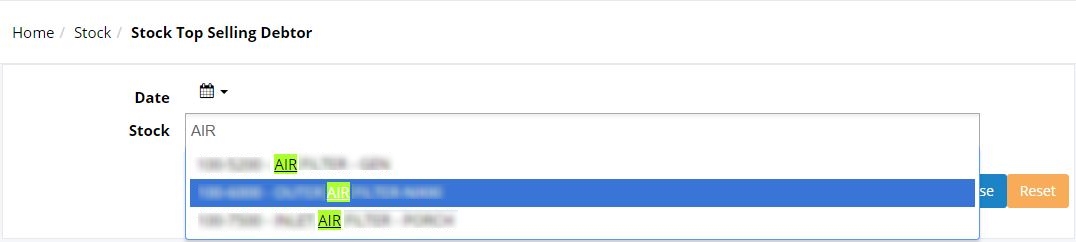
User may click Analyse to view the stock lists.
2. STOCK LIST
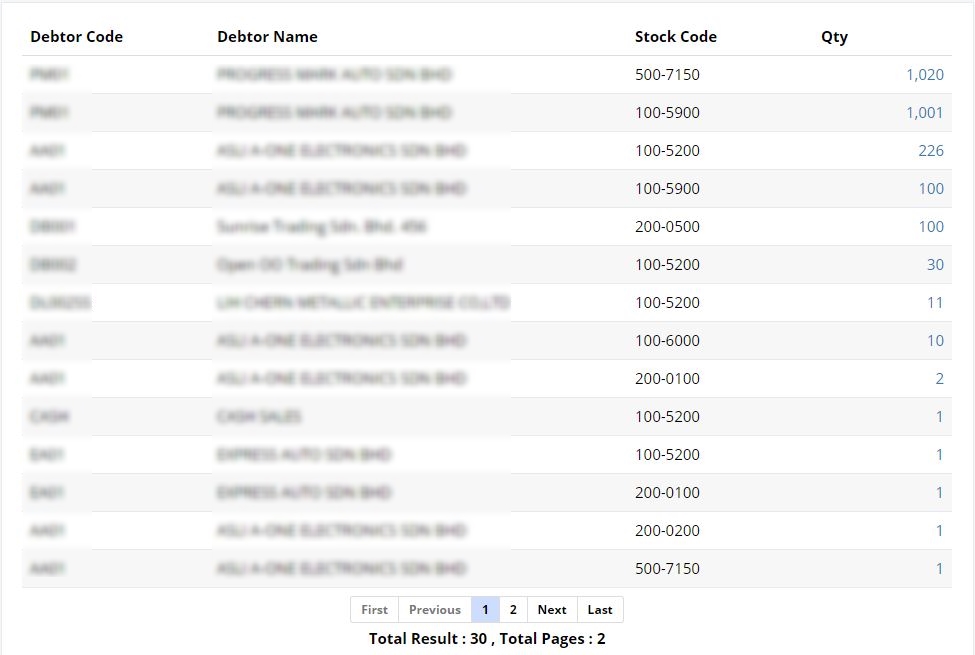
After user clicked on Analyse, the screen will display the stock top selling debtor list. User can view the top selling Debtor by the Code, Debtor Name, Stock Code and Quantity sold. The list is sorted by the most quantity stock sold in descending order.
User is allowed to click the Stock Quantity to view the Stock document transactions in details.
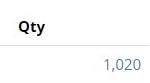
Clicking on the Stock Quantity will link user to the Stock Price History screen:
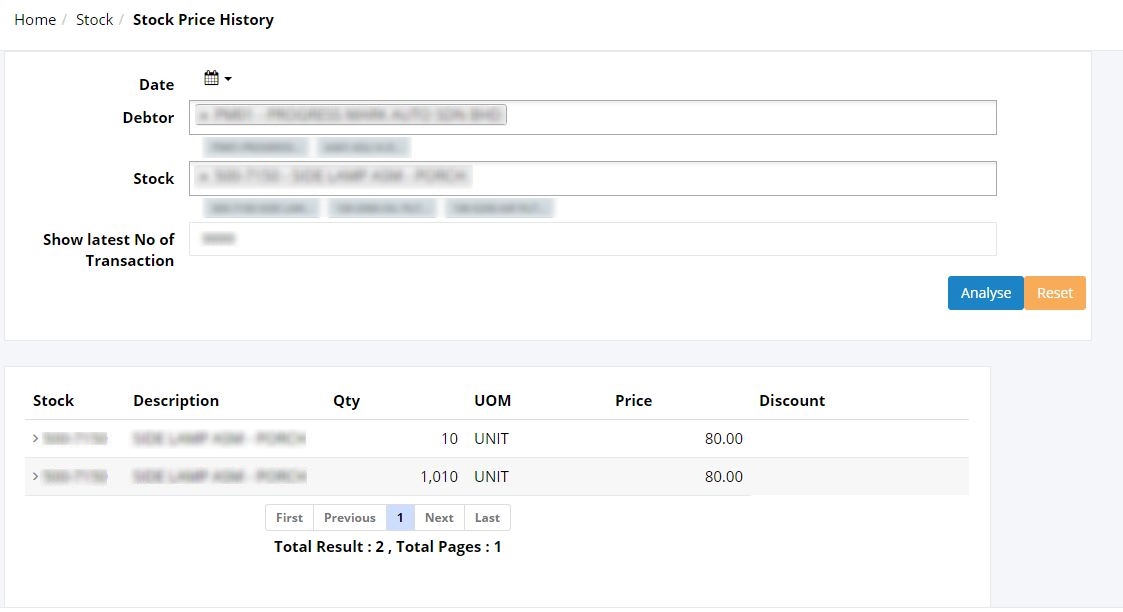
(The further explanation of this screen is explained in Stock Price History)