INTRODUCTION
User Setting is where the user admin can set up all the information and maintenance on how other users are going to use and access all the data company on this 3A Web Enquiry. User admin can determine other users’ access limit to the company’s information and data depends on the user’s roles. The setting for both User and Roles can be found under the ‘Administration’ on the left tab.
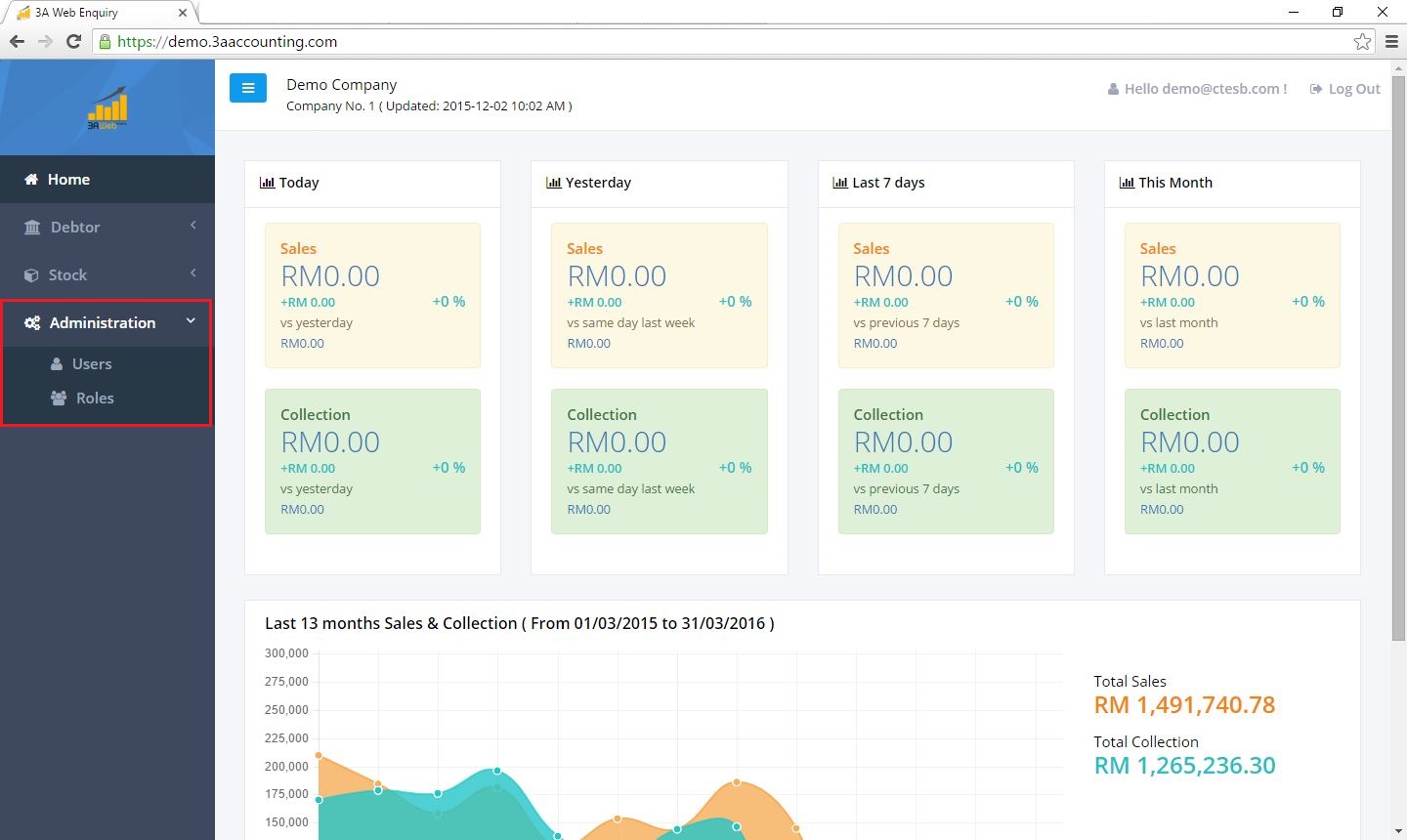
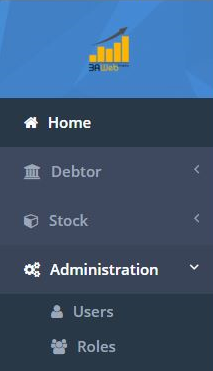
This is the screen for 3A Web Enquiry, which displayed the main tab on the left side. The setting for ‘Users’ and ‘Roles’ can be found under the ‘Administration’ button.