COLLECTION ANALYSIS
- 1. INTRODUCTION
- 2. FILTER
- 3. PIE CHART SALES ANALYSIS
1.INTRODUCTION
Sales analysis is where the user can view and analyze the sales of the company. User may filter the sales data according to specific date, debtor and also the salesman. The information will be displayed in pie chart to make it easier for user to do the analysis and compare the sales accordingly. The details of the chart will be provided with the percentage, number of transaction and the amount of sales.
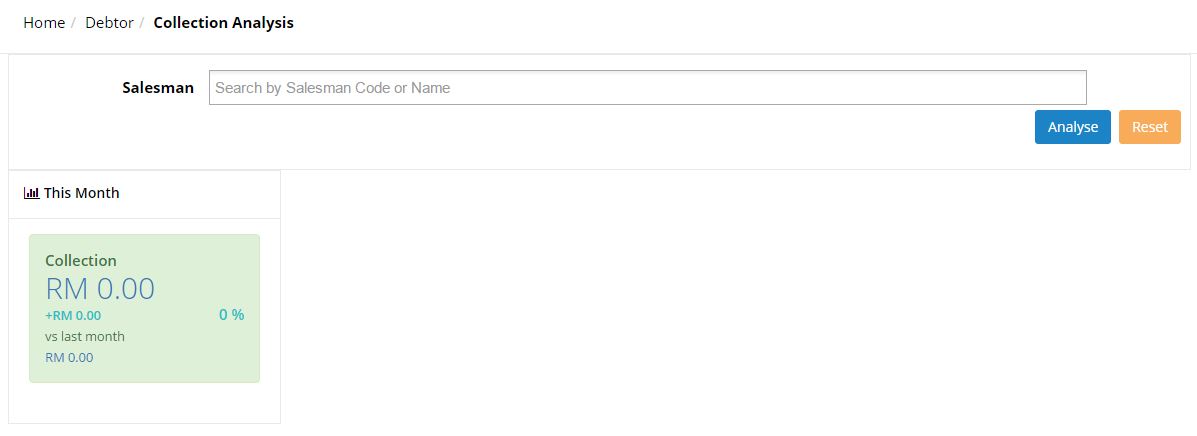
2. SEARCH FILTER
• Salesman
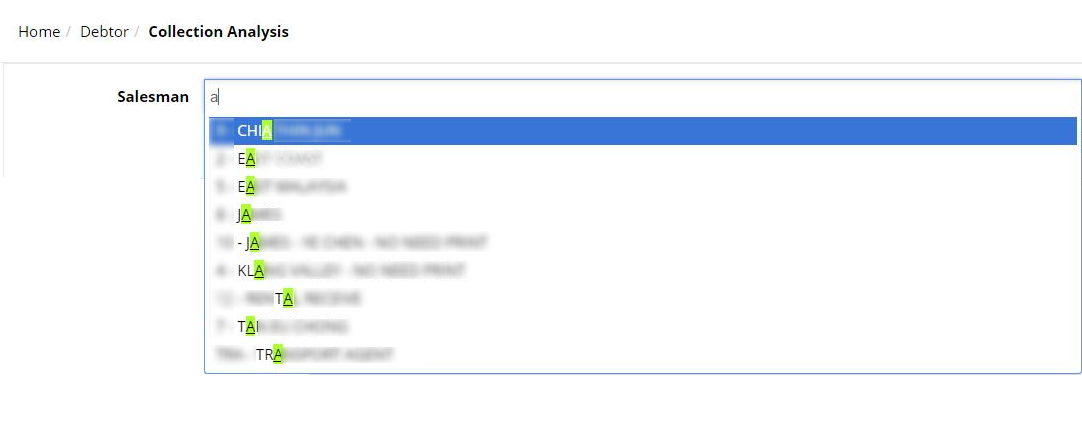
Displays the sales record according to the selected salesman. User may key in 3 characters to search for specific salesman. Click analyse to view the sales record in the form of pie chart.
3. WIDGET
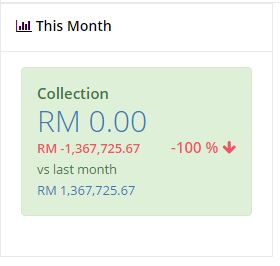
This widget will show a quick information on current month collection analysis. The large number show the current collection for this month. The figure in red colour indicates the remaining balance that has not been collected. At the right side shows the change of the collection value in percentage compare to last month’s value. The small figure in light blue is the value of last month’s collection.
3. PIE CHART
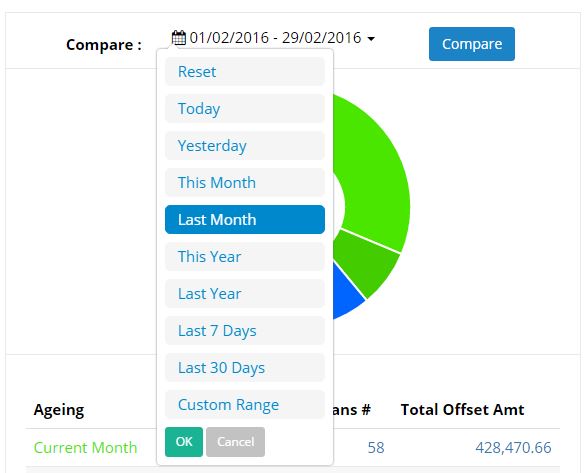
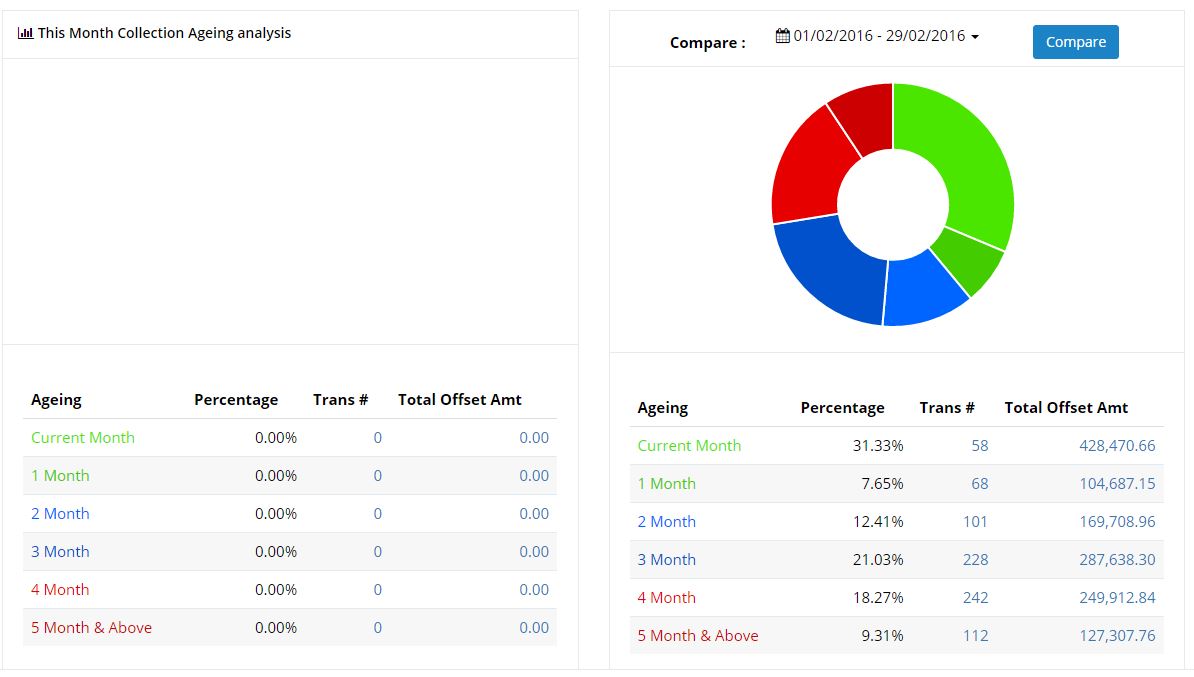
To compare current’s month collection to any period collection analysis user can select the required period.
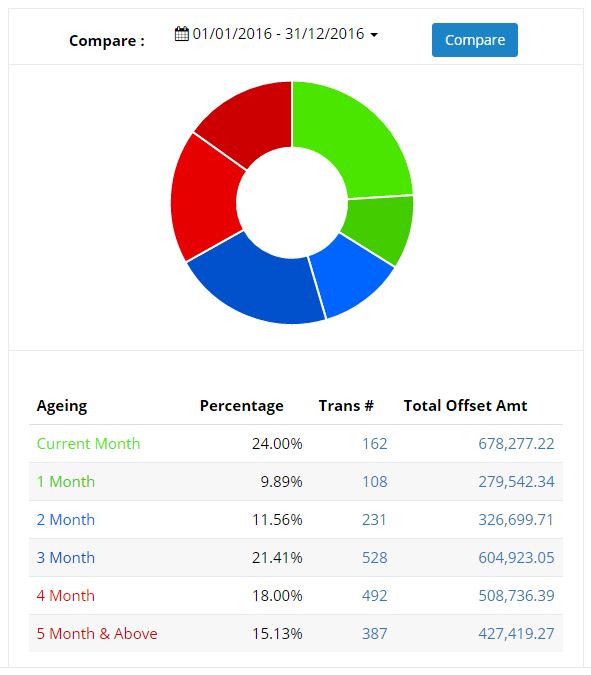
User may refer to the ageing information below the pie chart diagram to see the details for percentage of the collection based on exact months, with the number of transactions and also the total offset amount.
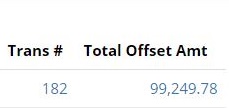
User can click on the figure for number of transactions and total offset amount to view the information in details.
Clicking on the number of transactions will directly link user to the Collection Analysis Details:
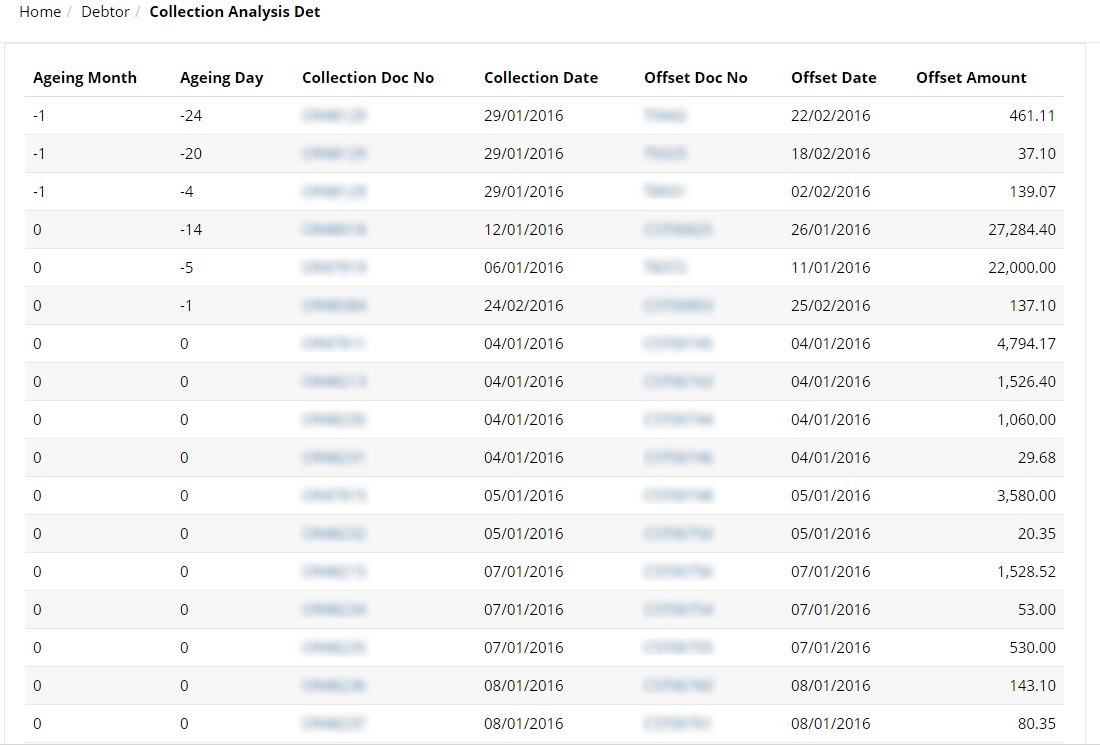
User can view the Collection Analysis in details such as the Ageing Month, Ageing Day, Collection Doc number, Collection Date, Offset Document No, Offset Date and Offset Amount. User may click on collection doc number and offset document number to see the details on the documents.
User can click on the Collection Doc No to view the details of the document.
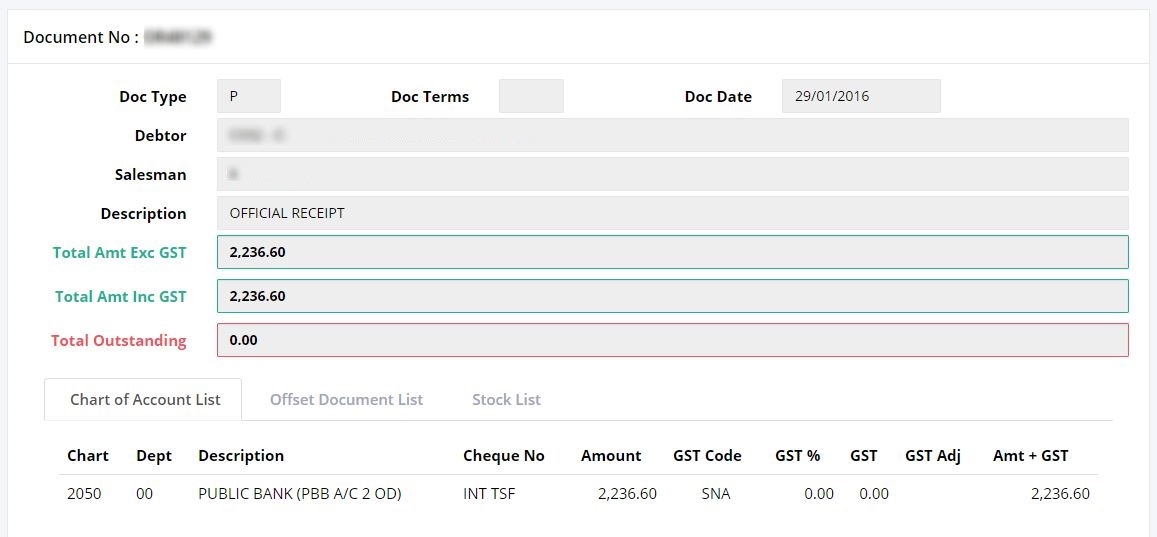
(Further explanation on this screen are described in ‘Document List’ section)
User can click on the Offset Doc No to view the details of the document.
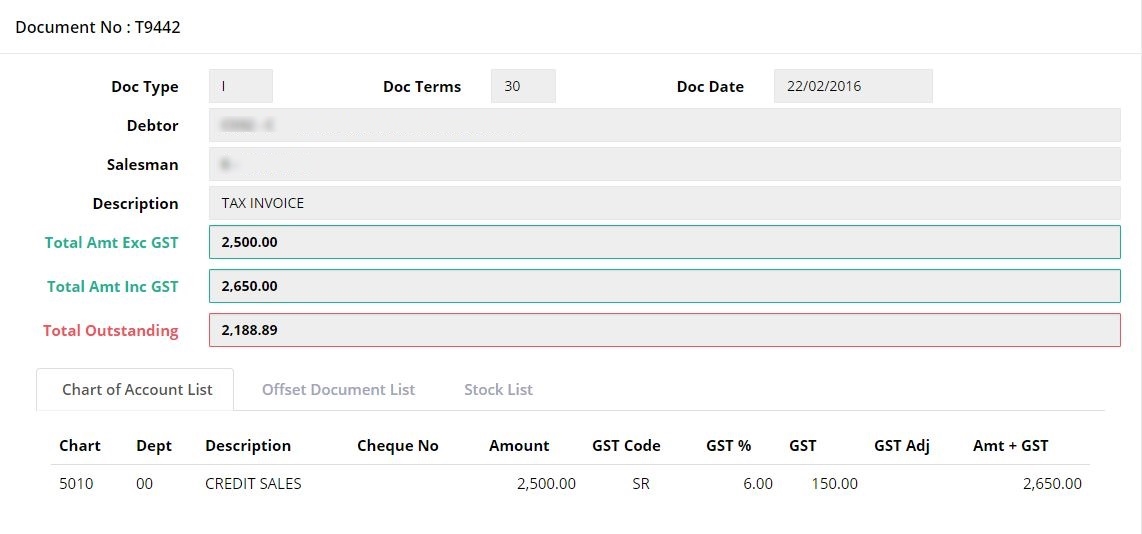 (Further explanation on this screen are described in ‘Document List’ section)