OUTSTANDING INVOICE
- 1. INTRODUCTION
- 2. SEARCH FILTER
- 3. RESULT
INTRODUCTION
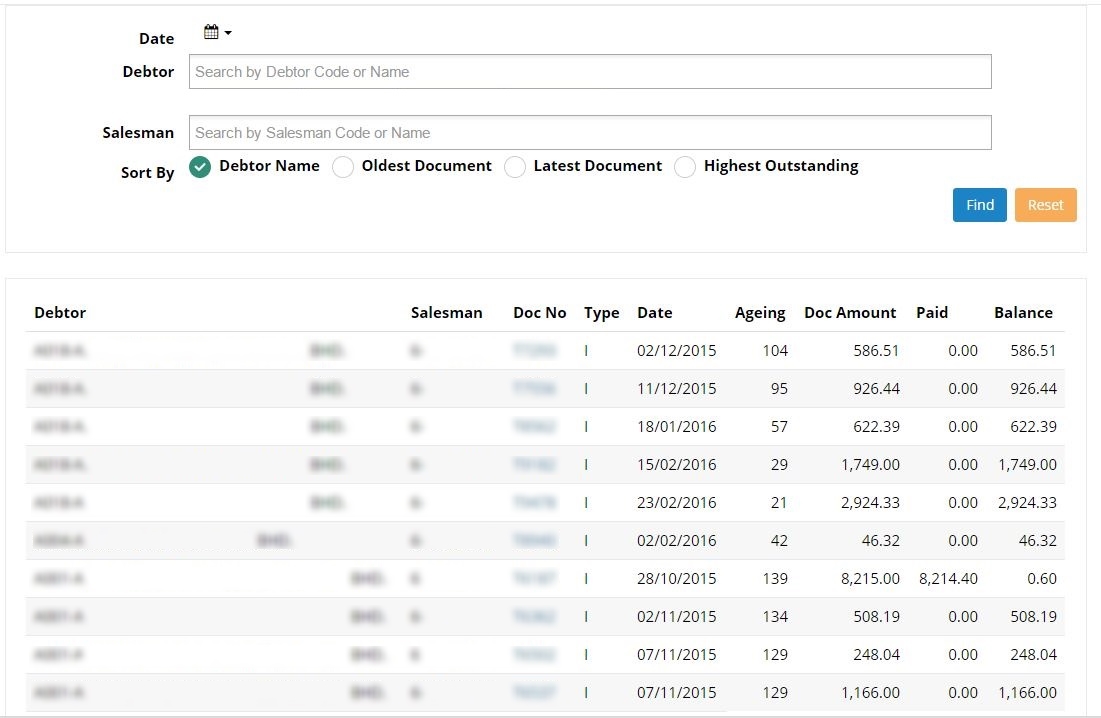
Here user can see all the documents for outstanding invoice. User can find the specific outstanding invoice by using the filter options on the search widgets.
2. SEARCH FILTER
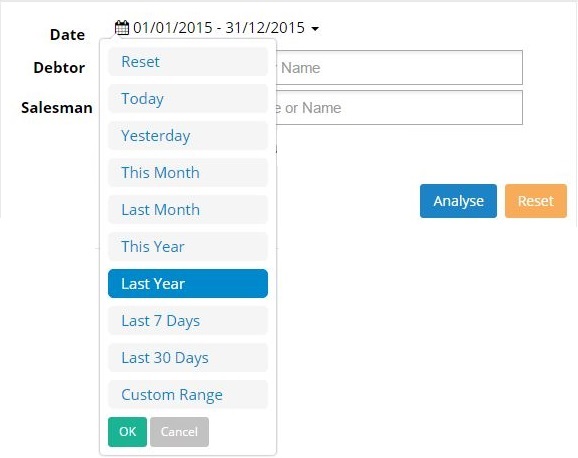
• Date
User may filter the sales record by selecting the required date as follow.
• Debtor
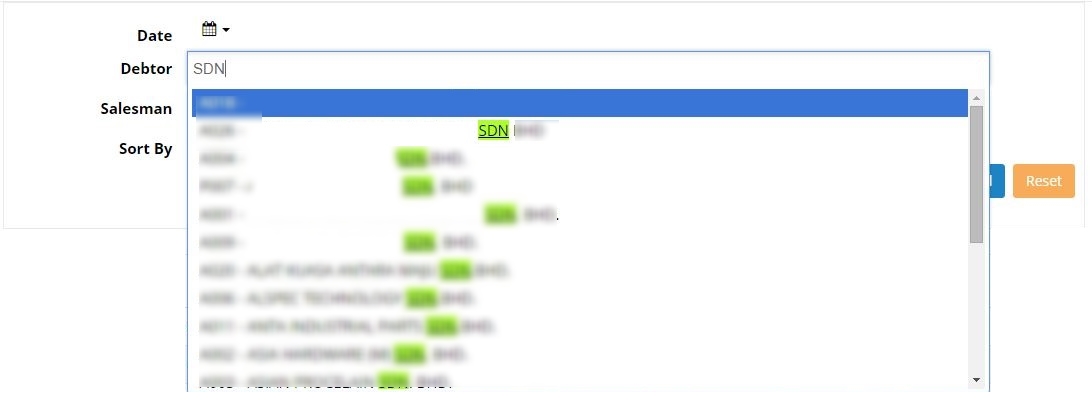
User may key in 3 characters to search for specific debtor/company. User can view the sales record for the selected debtor. Click analyse to view the sales record in the form of pie chart.
• Salesman
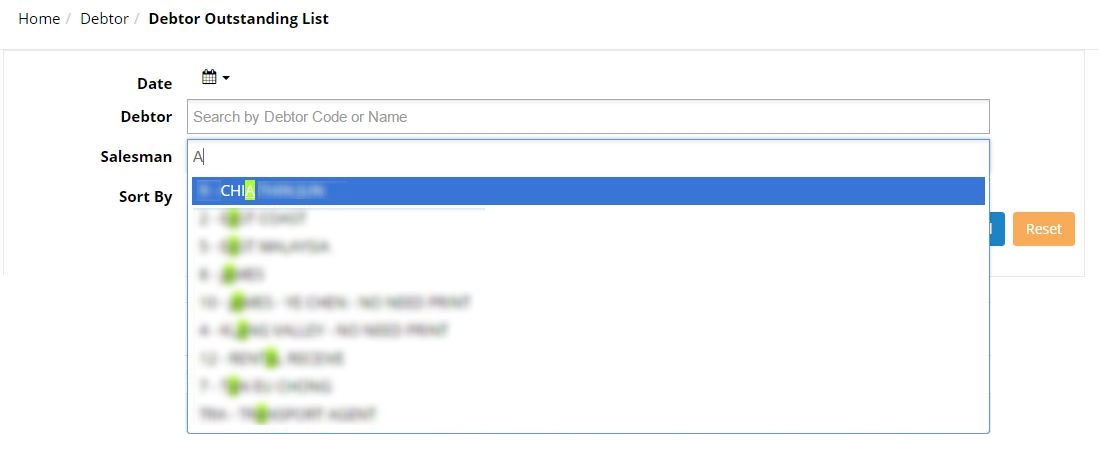
Displays the sales record according to the selected salesman. User may key in 3 characters to search for specific salesman. Click analyse to view the sales record in the form of pie chart.
Sort By:

3. RESULT
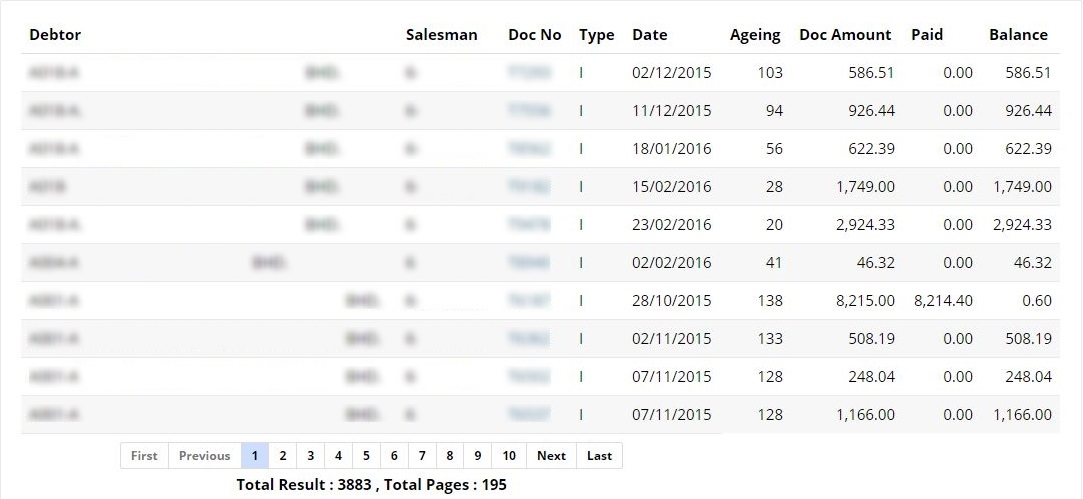
After filtering your documents to view, you can click on ‘Find’ and the screen will display the result of your requested documents.
The result will show your documents with the exact date, type, debtor name, salesman, amount excluding GST and amount including GST.
User can click on the document Number to view the document in details. Clicking on any of the document number will lead to the document details screen.
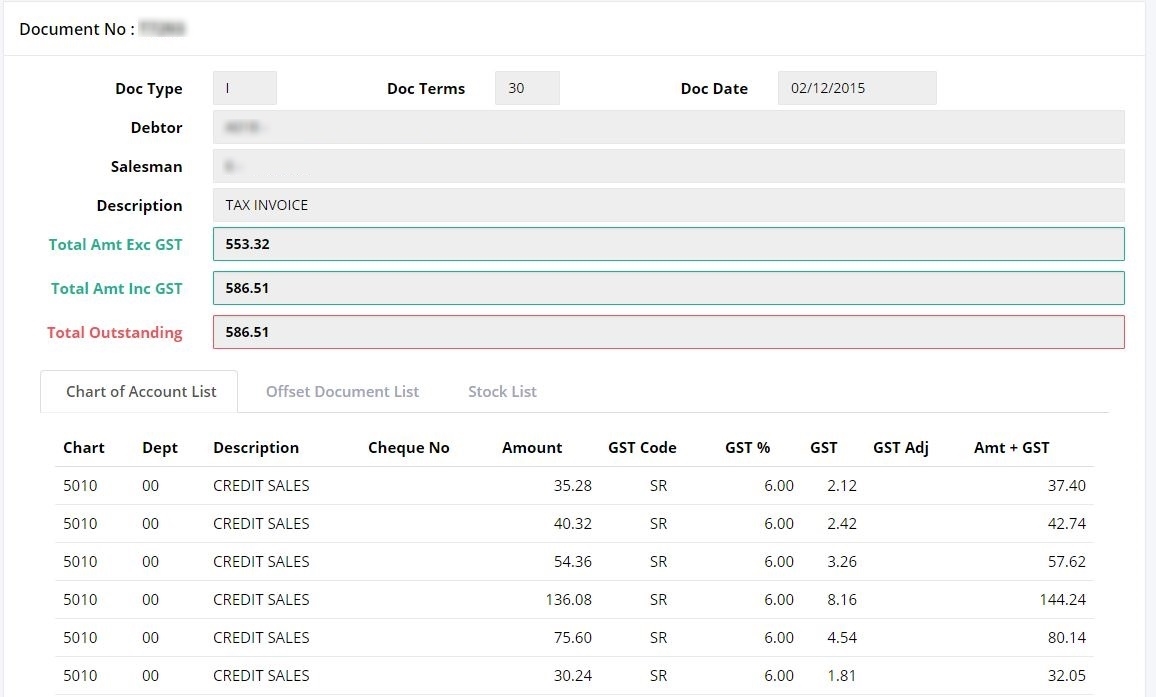 (Further explanation on this screen are described in ‘Document List’ section)